
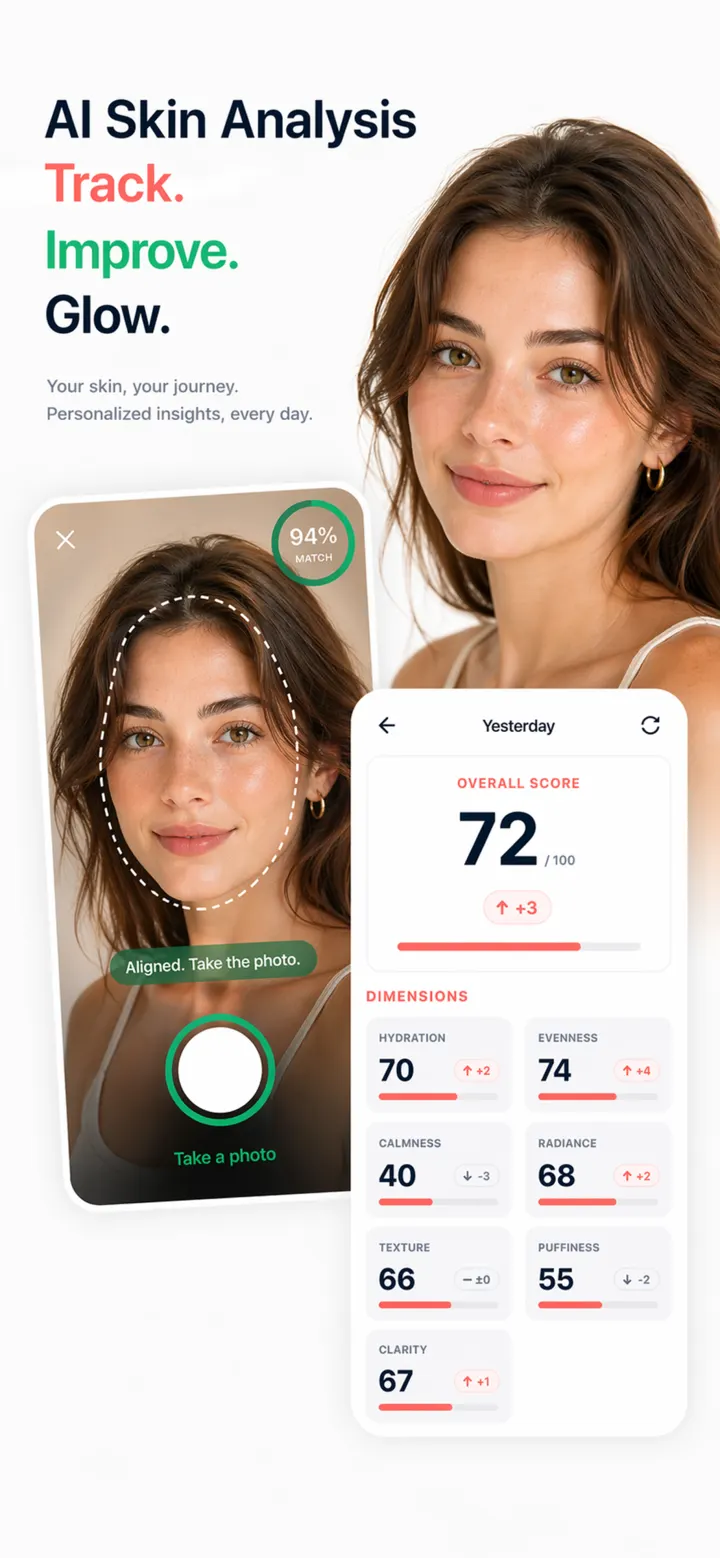
Take or upload a clear photo
Use even light, keep the area in focus and avoid beauty filters. Retake blurred, dark or reflective images before submitting.
Review your AI skin analysis
DermaScanAI organizes visible features from the photo into an easy-to-read result that you can save or discuss with the AI skincare assistant.
Use the result as information
The result only reflects what is visible in one photo and is not a diagnosis. Seek professional care for painful, bleeding, rapidly changing or non-healing areas.
Questions
Frequently asked questions
Can DermaScanAI diagnose a skin condition from my photo?
No. It provides informational observations from the submitted image and does not replace examination by a qualified professional.
Why does my result look different after I retake the photo?
Lighting, focus, angle and distance can change what the model can see. Retake the photo under similar conditions.