
Getting started
DermaScanAI offers four connected ways to organize skin care information: photo-based skin observations, cosmetic ingredient-list analysis, an AI assistant and a dated progress-photo timeline. You can use only the feature that fits your current goal.
Before your first use, read the photo guide and Safety and Limitations. Review the privacy policy before uploading a sensitive image.
- Choose a clear goal before opening the camera.
- Check the input before submitting.
- Read the complete result and its notice.
- Verify important information outside the app.
Skin photos and analysis results
Even light, sharp focus, a clean lens and an unfiltered image improve the usefulness of a photo. Results may change when the angle, exposure, camera or temporary appearance of the skin changes.
The output is an informational observation. It cannot feel the area, examine the rest of your skin, know your history or perform a test.
Product labels and AI conversations
For product analysis, capture the full ingredient panel and compare recognized text with the package. Ingredient context cannot guarantee the safety or effectiveness of the finished formula.
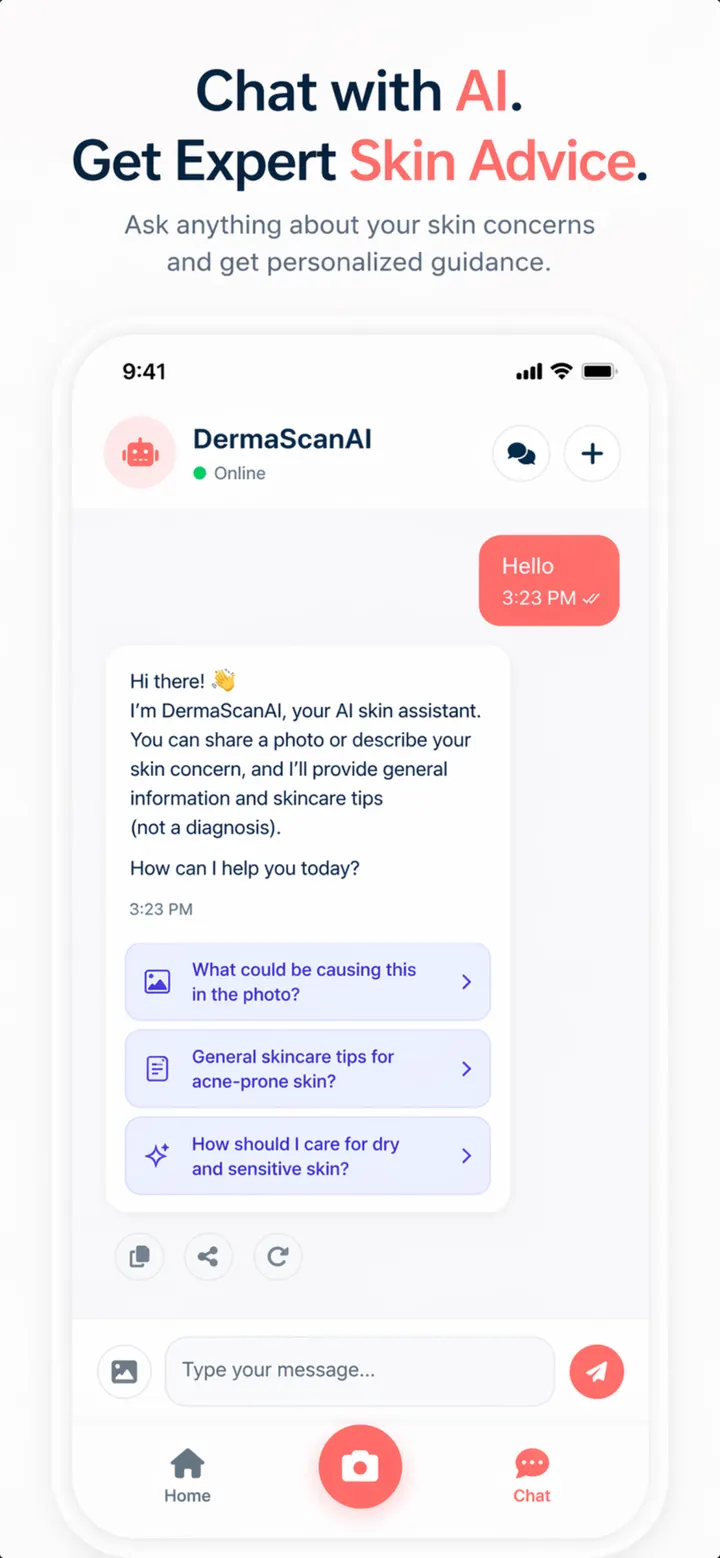
In chat, ask focused questions and provide only relevant context. Generated answers can be wrong, so verify claims that could affect health, medicines, allergies or product use.
Progress photos, privacy and control
Progress tracking works best with consistent lighting, distance and position. The timeline documents appearance; it does not prove a treatment effect.
Treat skin images as sensitive. Keep other people and identifying information out of frame, protect your device and use available deletion controls carefully.
Questions
Frequently asked questions
What does DermaScanAI do?
It organizes informational observations from skin photos, adds context to photographed cosmetic ingredient lists, supports AI follow-up conversations and provides a dated progress-photo timeline.
Can DermaScanAI diagnose acne, eczema, rosacea or skin cancer?
No. It does not diagnose or rule out any condition. A qualified professional must combine history, examination and any necessary tests.
How do I take a useful skin photo?
Use soft, even light, clean the lens, turn off filters, keep the image sharp and include a small area around the feature. Do not edit color, contrast or texture.
Why did two photos produce different observations?
Lighting, angle, focus, distance, camera processing and temporary changes in the skin can alter what is visible. Retake under similar conditions and do not interpret a small difference as a medical change.
What should I do about a spot that changes, bleeds or does not heal?
Arrange prompt assessment by a qualified health professional. Do not wait for another scan or use an app result to rule out a serious cause.
Can a cosmetic scan tell me if a product is safe for sensitive skin?
No. It can provide context about recognized label ingredients, but sensitivity depends on the finished formula, concentration, how it is used and the individual.
Should I trust the ingredient list captured by the camera?
Compare it with the physical package. Small print, glare and curved containers can cause recognition errors, and formulas can change.
Is the AI assistant a dermatologist?
No. It is a generative information tool. It cannot examine you, diagnose, prescribe or provide emergency care.
Can I ask questions about a scan result?
Yes, supported skin and product results can provide context for a follow-up conversation. Restate important facts and verify the answer before acting.
How often should I add a progress photo?
Use an interval you can maintain without distress. Similar conditions matter more than a perfect daily streak, and slower changes may not need daily images.
Do progress photos prove that my routine works?
No. They show appearance at two moments. Lighting, natural variation and other changes prevent a photo comparison from proving cause, effectiveness or clinical improvement.
How should I protect my privacy?
Photograph only with consent, remove identifying background details, share only necessary information, protect your device and account, and read the current privacy policy.
Can I delete progress photos?
The app provides controls to delete individual or multiple progress photos. Read each confirmation carefully because deletion may be permanent and may reset related timeline information.
Where can I read the rules for using the service?
Read the current DermaScanAI Terms of Use and Privacy Policy linked in the footer. These documents govern service use and data practices.